Key Takeaways
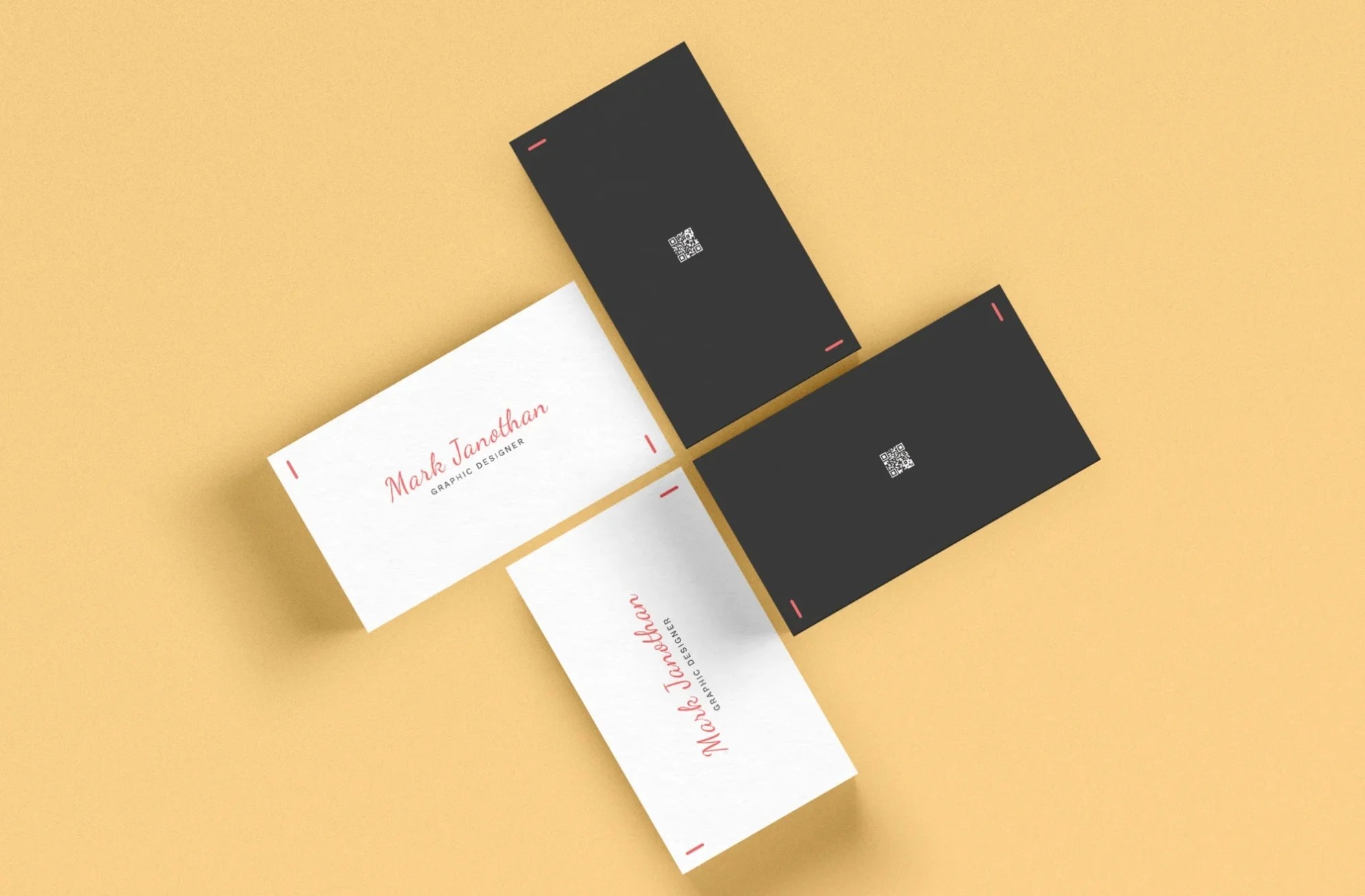
The best back of business card ideas give the reader one clear next step, like a QR code, offer, or appointment time, plus one or two supporting details.
- Lead with one clear action. A QR code, offer, or appointment time gives the reader a reason to keep the card.
- Add proof in a few words. One short review, a license number, or two project photos builds trust fast.
- Fit three or four elements. A standard 3.5 by 2 inch card has room for one message, one action, and contact basics.
- Leave a writable spot. Matte or uncoated stock takes pen ink, while a glossy coating can smudge it.
- Test every QR code. Scan a printed proof before ordering, since a wrong link can waste the whole print run.
The back of a business card works best when it holds one clear next step, such as a QR code, an offer, or an appointment time.
Most cards leave that side blank. The front already carries a name and contact details, so the back is open for something useful.
Below are 12 back of business card ideas, plus how much text fits and how to leave room for handwriting.
What Back of Business Card Ideas Get People to Act?
A QR code, an offer, or an appointment time gives the reader something to do next.
Include a QR Code
A QR code on the back of a business card sends the reader straight to your website, booking page, or menu. It saves them from typing a web address by hand.
In a 2026 Uniqode survey of 1,000 US consumers, 70% said they scan a QR code at least once a month. Scan a printed proof before you order, and see the guide to QR codes on business cards for placement tips.
List Your Top Services
A short service list tells the reader what you do when they find your card weeks later. Three or four items is plenty. Name your best sellers first and point to your website for the rest.

Print a Special Offer
A simple offer gives people a reason to use the card. Try 10% off a first order or a free consultation. Add an end date so the offer feels real.
Add an Appointment Reminder
An appointment line on the back of the card turns it into a reminder. It suits any business that books repeat visits, like salons and tutors.
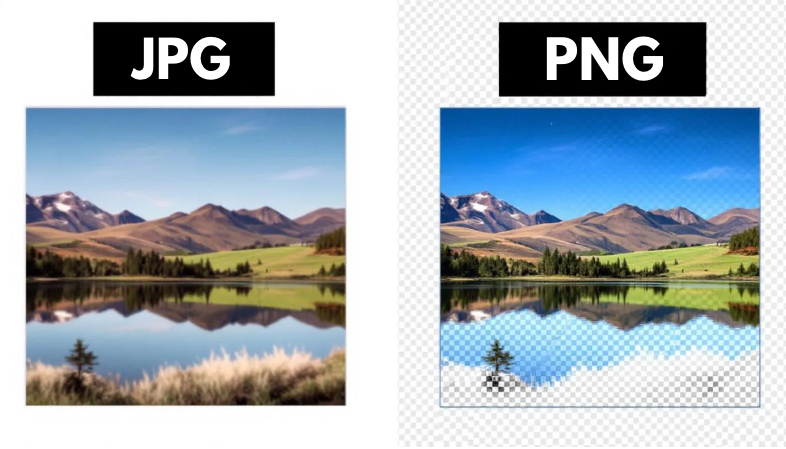
Here are the differences between matte and uncoated business cards.
Offer a Referral Reward
A referral offer asks happy customers to pass your card along. A line like 'Give a friend 10% off and get 10% off your next order' rewards both people.
How Can the Back of a Business Card Build Trust?
A short review, a project photo, or a license number tells the reader you are worth a call.
Quote a Customer Review
One short quote from a real customer carries more weight than a paragraph about yourself. Pick a line that names a result, such as 'Sold in six days,' and add a first name and city. Get the customer's permission first.
Build a Mini Portfolio
Two or three of your best projects fit on the back of a card as small photos or a short list. This suits designers and builders. A realtor can print one recent sale, and the guide to real estate business cards has more ideas.
Add a License Number or Credentials
Some states and professions expect a license number on printed marketing, so check the rules that apply to you. The back is a tidy spot for it. It also has room for a certification or years in business.
What Contact and Brand Details Belong on the Back?
Use the back for details that do not fit up front, like social handles, hours, and a short brand line.
List Your Social Media Handles
Social media handles crowd the front of a card fast. The back gives each one room, with its icon beside it. List only the platforms you post on every week, and see social media icons on business cards for sizing.
Add Hours and Service Area
Hours and a service area answer the first two questions a new customer asks. This helps local businesses such as contractors and caterers. A line like 'Serving the tri-county area, Monday to Saturday' is enough.
Print a Short Saying or Pattern
A short saying or color pattern carries your brand onto the back without adding clutter. Use the same colors and fonts as the front. The guide to business cards and brand identity covers how to keep both sides consistent.
Share a Quick Tip
A useful tip gives people a reason to keep the card on a desk or fridge. An accountant might print a record-keeping checklist. A personal trainer might print one stretch for desk workers.
How Much Text Fits on the Back of a Business Card?
A standard 3.5 by 2 inch card has room for one main message, one action, and a few lines of support.
Treat the front and back of a business card as a pair. The front says who you are, and the back says what to do next. For a clean business card back design, keep to these limits:
- One main message, such as an offer or a QR code
- One action, such as scan, call, or book
- Up to two supporting details, such as a review or your hours
- Text and codes kept inside the safe area of your print template
- Blank space left on purpose, so the card reads in seconds
If a new idea does not fit, drop the weakest item first.
Can You Write on the Back of a Business Card?
Yes, as long as the back has a matte or uncoated finish.
Pen ink soaks into matte and uncoated paper. A glossy or UV coating sits on top of the paper, so ink can smear or skip.
If you plan to add notes or appointment times by hand, pick a matte or uncoated back. Print a light line or box to show where to write. See matte vs uncoated business cards and business card paper options to compare stocks.
Which Back of Business Card Idea Fits Your Work?
Pick the idea that matches the next thing you want a new contact to do.
A realtor might print a QR code to current listings and a license number, since the goal is a call or a showing. For a freelance designer, two portfolio images and a booking link fit the goal of landing a project inquiry.
An event planner can print a QR code to a consultation calendar. A shop owner can print a first-order offer with the store hours.
Agencies and freelancers ordering print for clients can keep one layout and swap the message for each client. These pairings are quick back of business card examples to adapt.
How Do You Order Business Cards With a Printed Back?
Print Cartel business cards can carry a different design on each side.
Upload a file for the front and one for the back, choose a matte or silk finish, and review the proof before you order.
To feel the paper first, request a free sample packet and compare finishes in your hands. For layout help, read how to design a business card.
Back of a Business Card Frequently Asked Questions
What Should Be on the Back of a Business Card?
One clear next step, such as a QR code, an offer, or an appointment line, plus one or two supporting details. A short review, your hours, or a license number all work as support. Keep the core contact details on the front.
Is It Okay to Leave the Back of a Business Card Blank?
Yes. A blank back gives people room to write notes or appointment times. Choose a matte or uncoated finish so pen ink does not smear.
Can You Put a QR Code on the Back of a Business Card?
Yes. The back is a good spot because the front is usually full of contact details. Scan a printed proof before you order, since a wrong link can waste the whole run.
How Much Text Should Go on the Back of a Business Card?
Keep it to one main message, one action, and up to two supporting details. On a standard 3.5 by 2 inch card, more than that starts to crowd the layout. Leave a clear margin around the edge.
Should the Front and Back of a Business Card Match?
Yes, in color, fonts, and style. The two sides can carry different content, but they should look like one design. Reusing your brand colors and fonts on both sides keeps the card consistent.
Resources:
[1] Ceci, Laura. “Mobile QR Scanner Usage in the U.S. 2025.” Statista, 28 Feb. 2023, www.statista.com/statistics/1297768/us-smartphone-users-qr-scanner/.