Key Takeaways
A well designed business card balances clarity, branding, and print choices to create a strong and professional first impression.
- Start with size and bleed. A standard US card is 3.5 x 2 inches, and the file needs an extra 1/8 inch of bleed on every side.
- Keep the front to six details. Name, title, phone, email, website, and one social handle cover what most people need from a card.
- Use 7-point type or larger. Smaller type and thin script fonts blur at card size, especially for phone numbers and email addresses.
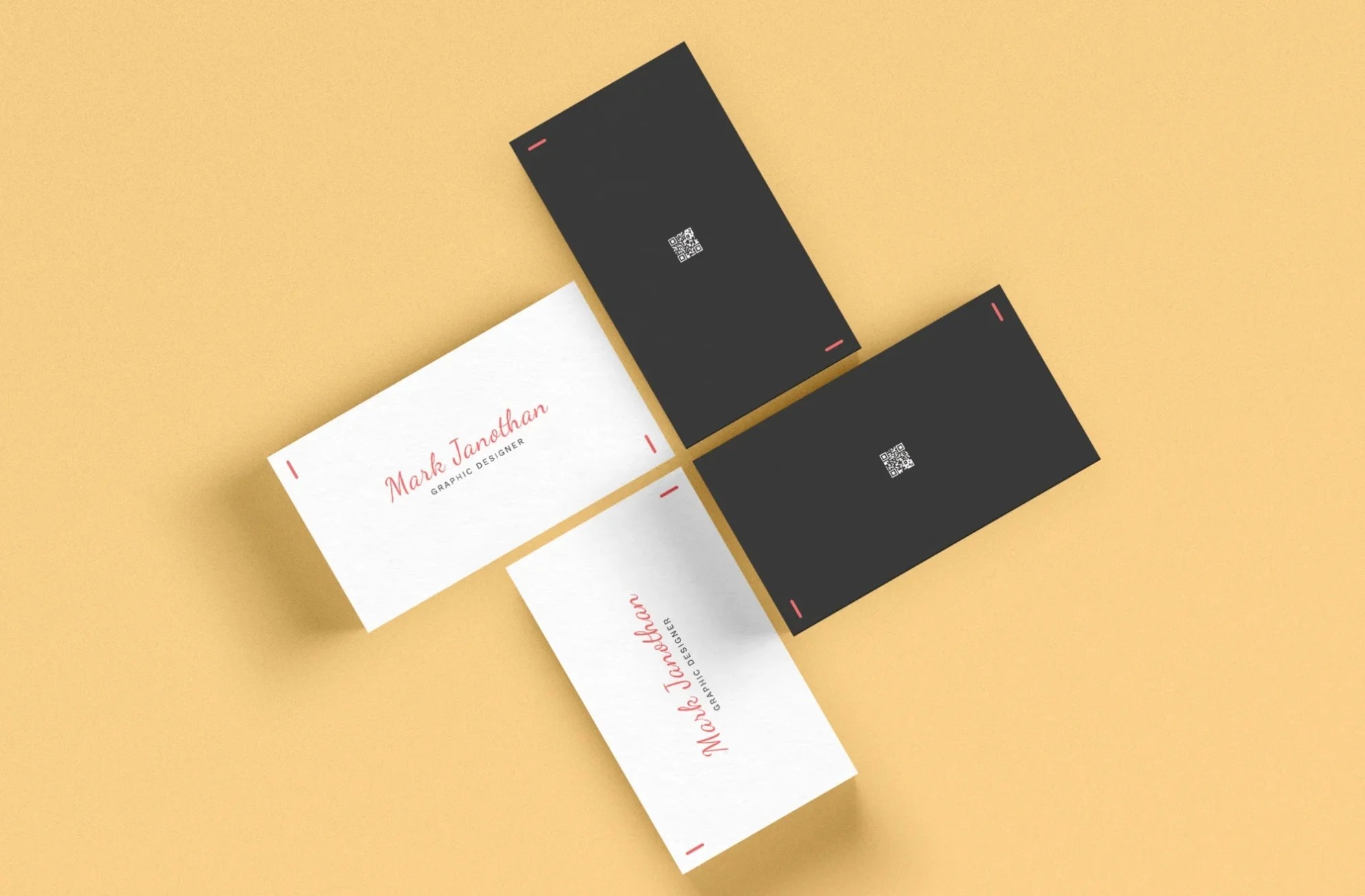
- Use the back for one job. A QR code, appointment line, or loyalty punch grid gives the card a reason to stay in a wallet.
- Send a print-ready PDF. Use CMYK color, 300 DPI images, outlined or embedded fonts, and bleed built into the file before you upload.
Business card design goes smoother in the right order. The nine steps below follow the same path a printer takes, from trim size to the final proof.
Design a business card in this order, starting with size and ending with a proof. Each step makes the next one easier.
Choose a Card Size and Set Up Bleed
Pick the card size before anything else, because every other choice has to fit inside it. The standard US and Canada size is 3.5 x 2 inches. A vertical card uses the same size turned on its side, 2 x 3.5 inches.
Smaller and shaped formats help a card stand out.
- Mini and slim cards trim the height for a sleek, modern look.
- Square cards, usually 2.5 x 2.5 inches, suit designers, artists, and photographers.
Once the size is set, add bleed. Bleed is extra artwork that runs past the trim line, usually 1/8 inch on each side. A standard card file with bleed measures 3.75 x 2.25 inches.
Keep text and logos at least 1/8 inch inside the trim line too. That inner border is called the safe zone. The cutter can move a hair, and anything outside the safe zone risks getting clipped. The guide to bleed in printing shows how to set both in common design apps.
Decide What Goes on the Card
List the details first, then cut the list down to what someone needs to reach you. A crowded card is hard to read, so most cards carry five or six items.
- Your name
- Job title
- Phone number
- Email address
- Website
- One social handle that fits your work
Think about the one action the card should drive. A realtor wants a phone call. A designer wants a portfolio visit. Put that detail where the eye lands first.
Build a Layout With White Space
Give the card a clear reading order, with the name biggest and contact details grouped together. People read a card in about the same order every time. They look at the name or logo first, then scan for a way to get in touch.
Leave open space around those groups. White space makes the important parts easier to find. It also leaves room to write a note, which helps at trade shows where people collect dozens of cards in one afternoon.
Keep the design toward the center of the card. Elements jammed against the edge look cramped, even when they sit inside the safe zone.

Pick Fonts That Read at Small Sizes
Use one or two clean fonts and set contact details at 7 points or larger. A card is small, and tiny type turns a phone number into a guessing game.
Simple fonts like Arial or Helvetica stay sharp at small sizes. If your brand already has a typeface, use it, as long as it reads cleanly at 7 to 8 points. Names usually look right between 10 and 14 points.
Skip thin script fonts for contact details. Save them for a name or tagline, if at all. Strong contrast helps too. Dark text on a light background is the easiest to read in dim rooms and bright sun.
Place the Logo and Match Brand Colors
Put the logo where people see it first, and use the same colors and fonts as your website. A card that matches the rest of your marketing is easier to recognize the second time someone sees your brand.
Use a vector logo file, like an AI, EPS, SVG, or PDF. Vector art stays crisp at any size, while a small JPG copied from a website can print blurry.
Teams should start from one shared template. Lock the logo, colors, and layout, then change only the name, title, and contact details for each person.

Put the Back of the Card to Work
Use the back of the business card for one useful thing, like a QR code, an appointment line, or a loyalty punch grid. An empty back is a missed chance, and a printed back often adds little to the price.
Match the back to how you work.
- A fitness trainer can add a QR code for a free first session.
- A salon or dentist can print an appointment date and time line.
- A coffee shop can print a punch grid that earns a free drink.
Print any QR code at least 0.75 inches wide and test it with two phones before you order. Some people put a headshot on the back too.
Realtors, bankers, and medical providers often do, so clients can put a face to the name. For more ideas, see these alternative uses for business cards.
Choose Your Card Stock and Finish
Pick a thicker stock for a solid feel, then choose a finish that fits how the card gets used. People notice the weight of a card the moment they hold it. In a survey, 63% said a quality business card helps someone make a good impression.
The stock sets the tone. Extra-thick stock feels premium. Brown kraft paper has a natural, earthy look that suits cafes, florists, and handmade brands. The guide to business card paper options compares the choices.
The finish changes how the card looks in hand.
- Matte cuts glare and takes pen ink, so people can write on it.
- Glossy makes photos and bold colors look richer.
- Silk laminate feels smooth and soft to the touch.
- Spot UV adds shine to just the logo or one detail.
- Foil stamping presses metallic color, like silver or copper, onto the design.
Not sure between the two most common finishes? The matte vs glossy guide breaks down glare, color, and writability.
Set Up a Print-Ready File
Send a PDF in CMYK color with 300 DPI images, bleed included, and fonts embedded or outlined. These four settings cause most print problems when they're missing.
- Color mode. Screens use RGB, and presses use CMYK. Convert the file to CMYK so bright screen colors don't print dull. Understand RGB vs. CMYK in Printing.
- Resolution. Photos and logos should be 300 DPI at the size they print. A 72 DPI web image looks fuzzy on paper.
- Fonts. Embed fonts in the PDF or convert them to outlines. Otherwise the printer's system may swap in a different font.
- Bleed. Export the PDF with the bleed area turned on, so the file measures 3.75 x 2.25 inches for a standard card.
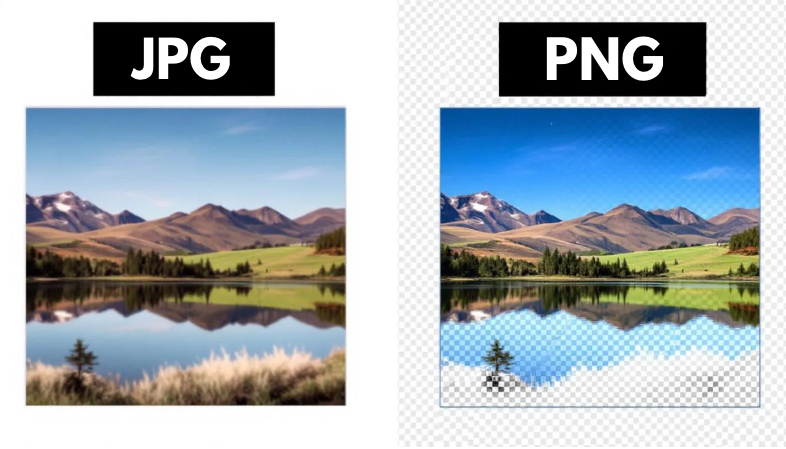
File type matters for photos and logos too. The guide to JPG vs PNG print quality explains which formats hold up best.
Proof It Twice Before You Print
Check every detail on screen, then check it again on the printer's digital proof. A typo in a phone number makes a whole box of cards useless.
Read the card out loud. Call the phone number, send a test email, and scan the QR code. Then ask a coworker or friend to look it over. A fresh set of eyes catches typos. They can also tell you if the layout feels crowded or the type is too small.
Look closely at the printer's proof once it arrives. Check that nothing sits outside the safe zone and that colors look the way you expect.

Which Print Cartel Business Cards Fit Your Design?
Print Cartel prints business cards in several sizes, stocks, and finishes. Each option below links to the product page with current specs.
- Standard business cards come in matte, glossy, and silk finishes for everyday networking.
- Mini and slim business cards fit minimal designs with fewer details.
- Square business cards give creative brands a shape that stands out.
- Spot UV and foil business cards add shine or metallic accents to a logo.
The Bottom Line on How to Design a Business Card
Design a business card by starting with size and bleed and finishing with a print-ready PDF. In between, keep the details short, the fonts readable, and the back useful.
Follow the steps in order and fewer problems show up at the proof stage. Pick a stock and finish that fit how the card gets used, and proof twice before you order.
Frequently Asked Questions: How to Design a Business Card
What Size Is a Business Card With Bleed?
A standard US business card is 3.5 x 2 inches after trimming. With 1/8 inch of bleed on each side, the design file should measure 3.75 x 2.25 inches. Keep text at least 1/8 inch inside the trim line.
What Should Be on a Business Card?
Most cards need a name, job title, phone number, email address, and website. One social handle is enough if it fits your work. Keep the front to six details or fewer so it stays easy to read.
What Font Size Should a Business Card Use?
Set contact details at 7 points or larger, and names between 10 and 14 points. Clean fonts like Arial or Helvetica stay readable at small sizes. Thin script fonts are hard to read for phone numbers and email addresses.
What File Format Should a Business Card Be for Printing?
A PDF works best for printing. Save it in CMYK color with 300 DPI images, embedded or outlined fonts, and bleed included. Logos should come from a vector file like AI, EPS, or SVG.
Should a Business Card Have a Photo?
A headshot helps in fields where clients need to recognize you, like real estate, banking, and healthcare. It can go on the front or back. Use a sharp, well-lit photo that prints at 300 DPI.